Choosing the Best AI for Architectural Rendering
Choose the best AI for architectural rendering by checking geometry, editing, workflow costs and privacy, with a grounded look at Raelume.
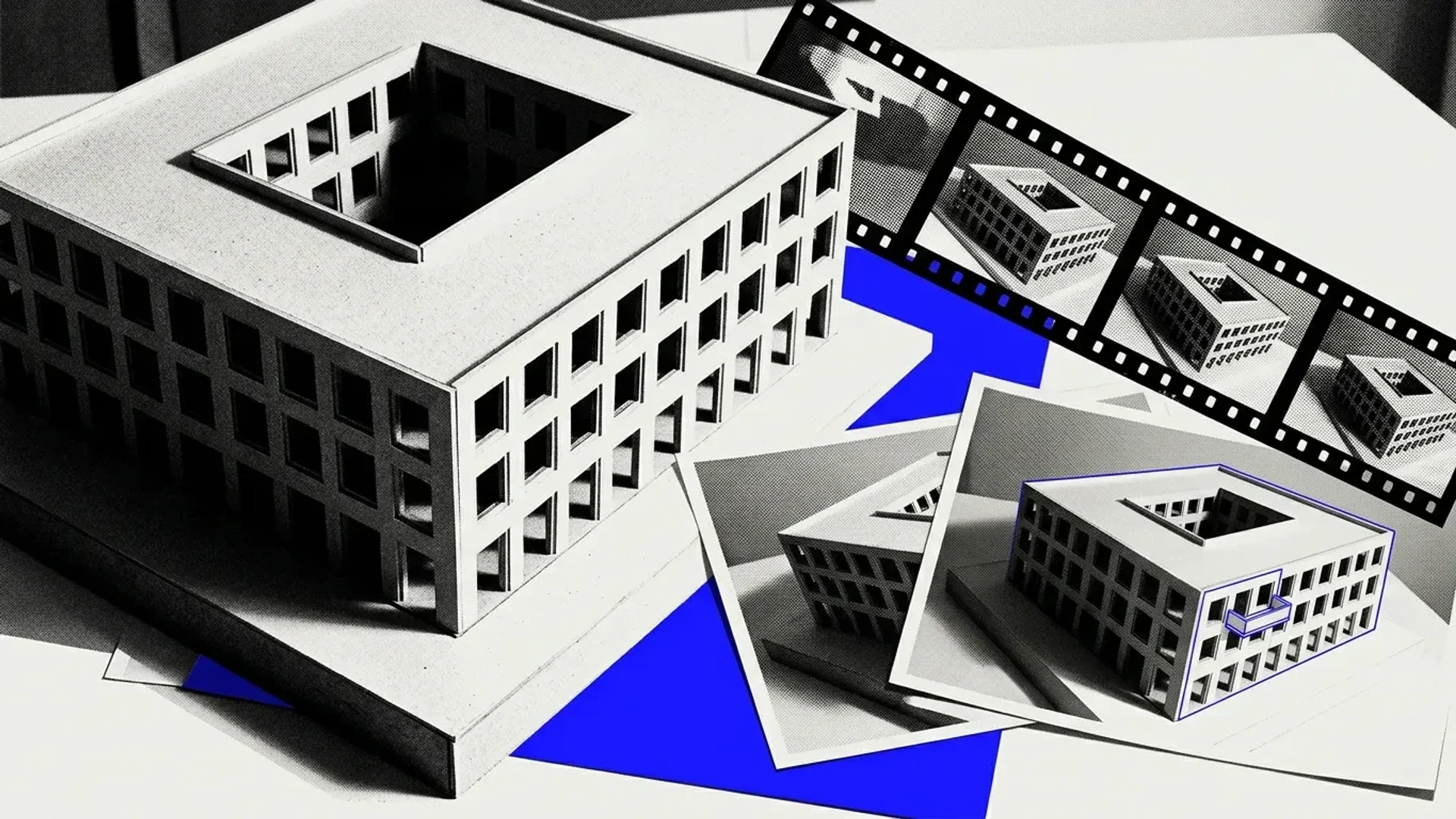
The best AI for architectural rendering depends on your starting material and how closely the result must follow the design. For early concepts, prioritize control over materials and atmosphere. For an approved design, prioritize geometry preservation and consistency across views: an appealing image is unsuitable if it changes essential openings, proportions or materials. Also weigh revision control, export requirements, project privacy and the cost of retries and cleanup.
Contents
- Key takeaways
- Best AI for architectural rendering: match the workflow
- Check geometry before judging architectural rendering AI
- Compare usable-delivery cost, exports and turnaround
- Check where confidential project material goes
- Make a reversible first commitment
- FAQ
Key takeaways
- Match the tool to the deliverable. Raelume documents an architectural-image workflow producing six rendered views and a final video.
- Visual polish is not proof of design fidelity: Raelume's architecture workflow does not promise geometry preservation or provide an image-quality benchmark.
- Check confidentiality separately from public sharing. Raelume sends prompts and input content to external AI providers.
Best AI for architectural rendering: match the workflow
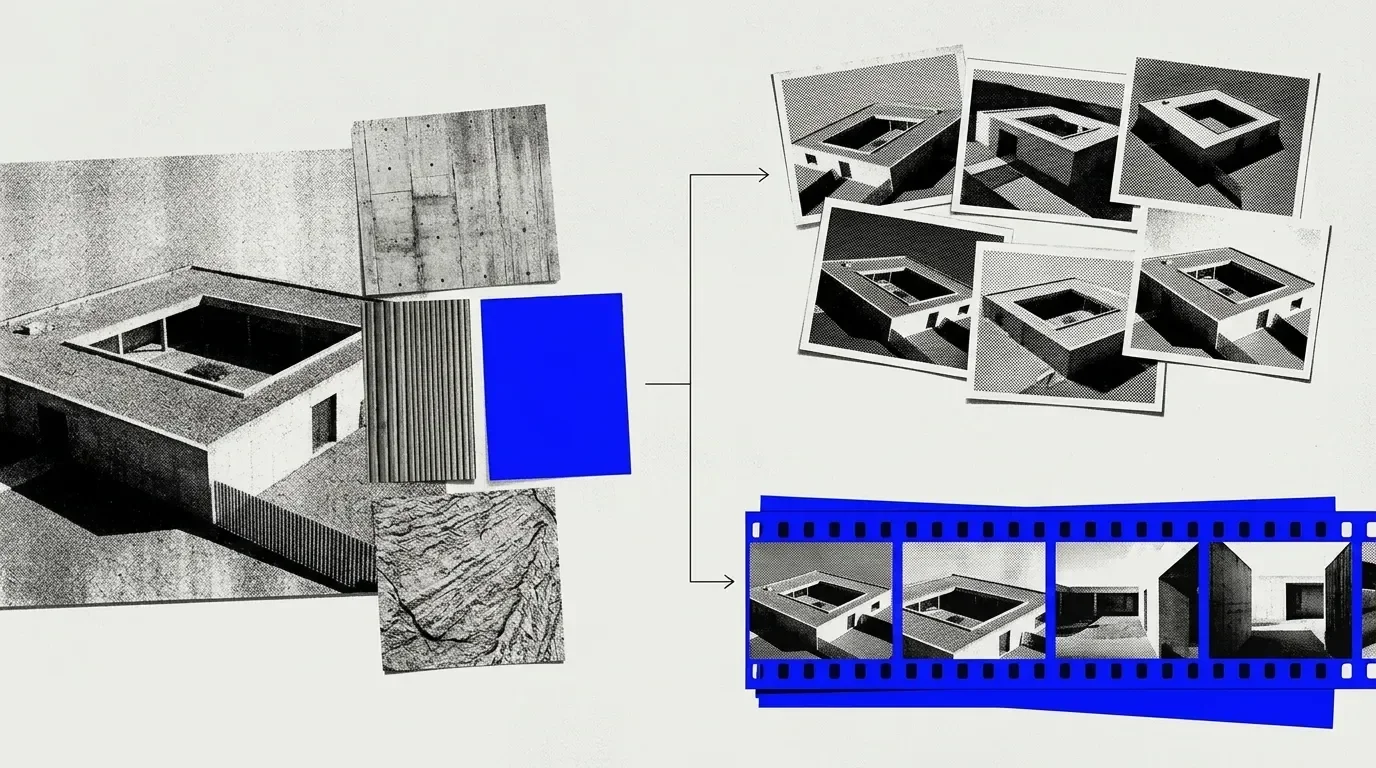
Match the output to its use. A presentation board needs images that work together at the intended display size; a film also needs a coherent sequence. Evaluate still-image quality and sequence consistency separately.
Our Raelume for architecture workflow is designed for architectural visualization studios, urban-design projects and real-estate developers. It takes an architectural image and directional prompts, with optional brand textures or scripts. Six shot prompts drive six rendered views, which are compiled into a final video with master textures and a cinematic script.
Starting with an exterior image is different from starting with a plan or native design model. Include that preparation step when assessing workflow fit.
Check geometry before judging architectural rendering AI
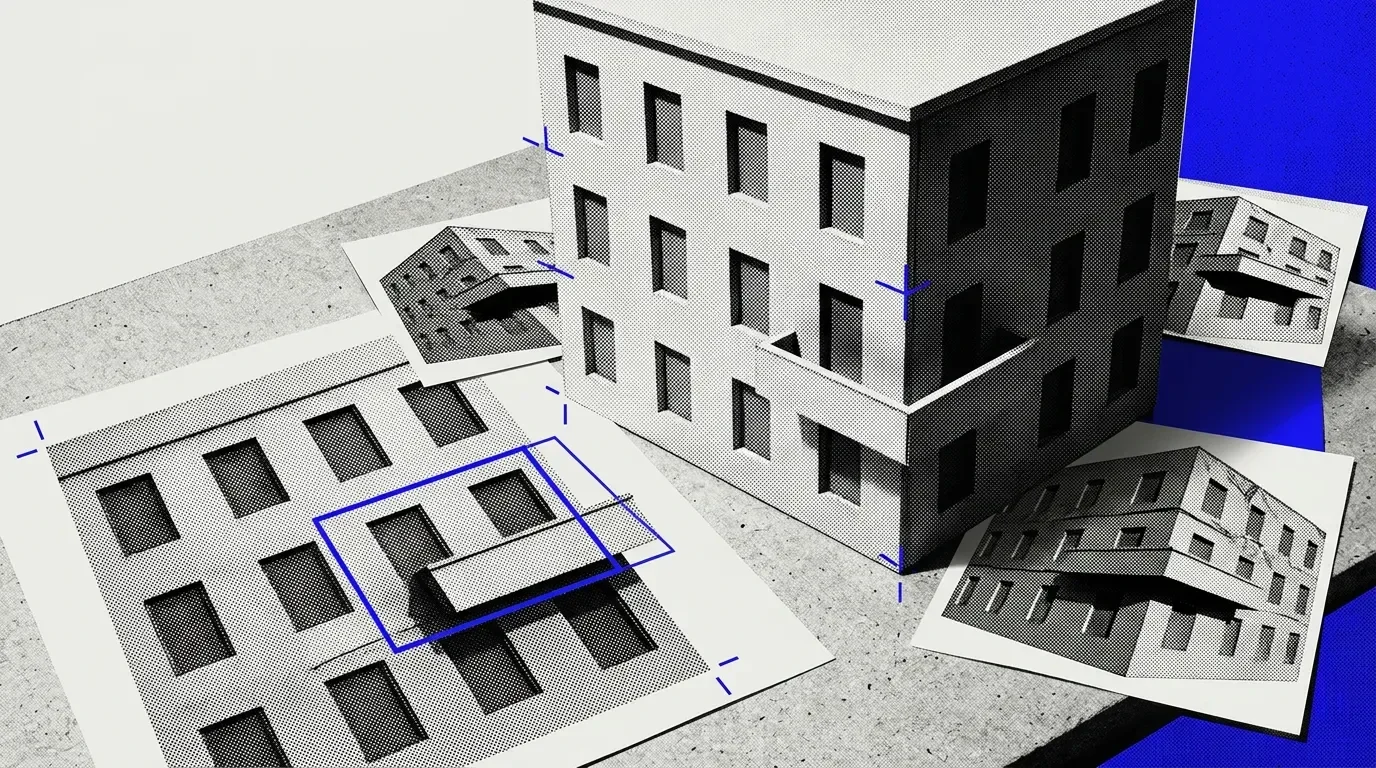
Our architecture workflow templates include a workflow that generates additional angles from a base architectural image using prompts, without a geometry-preservation guarantee. We describe the final video as a polished architectural visualization. Convincing lighting and textures can still mask errors in the building itself.
Evaluate candidates with the same approved reference image and material brief. Inspect window spacing, floor counts, rooflines and material placement before judging mood or finish. Compare every generated view against the reference, then check agreement across views: a facade material should not migrate, and openings should not appear or disappear.
In our workflow, the six shot prompts can be revised and rerun to adjust angles and atmosphere. Test revision control by changing one requested feature and checking whether unrelated design details also change. Repeat an unchanged prompt to assess whether important features remain stable.
Changing sunlight or framing is a presentation revision. Fixing a misplaced window is a design-fidelity correction that needs another reference check. Keep generated imagery separate from authoritative design documentation, and resolve discrepancies against approved drawings or models before using images to communicate design decisions.
Compare usable-delivery cost, exports and turnaround
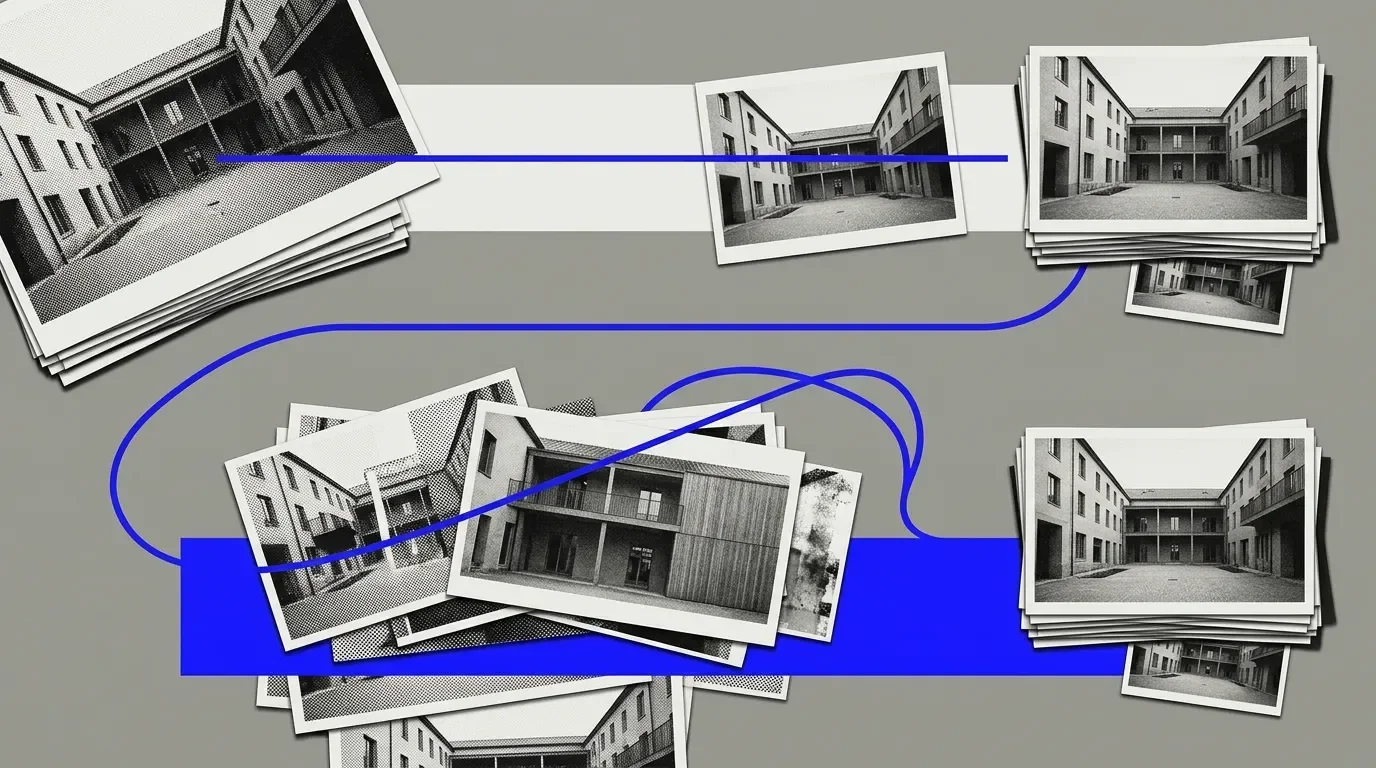
Compare the cost of an accepted deliverable, not an individual generation. Include the required views, rejected attempts, revisions, finishing work and any video output. Track both generation charges and staff time spent reviewing or correcting the results.
Confirm that image dimensions and file formats meet the delivery brief, and test compatibility with your existing software. Include any conversion or finishing steps in the budget rather than assuming the generated asset is ready to hand over.
Our turnaround depends on input complexity. Time a representative trial from input preparation through review, revisions, finishing and final export. Use the complete elapsed time to assess whether the workflow fits your deadline, allowing room for rejected views.
Check where confidential project material goes
Public visibility, external processing, retention and model training are separate checks. Our Privacy Policy states that we do not share workflow content publicly unless you explicitly choose to do so. Prompts and input content go to external AI providers; prompts and generated content are typically retained for 30 days or less for operational purposes, then deleted. We do not train AI models on user data, and our third-party providers have confirmed that they do not use customer data for model training.
These policies do not mean zero retention or automatic suitability for every confidential project. Check client agreements for restrictions on external processing and retention. Obtain approval before uploading restricted plans, images or identifying site information, and limit an evaluation to material cleared for that use.
Make a reversible first commitment
Keep the first commitment small enough to abandon without disrupting the live project. Assign an approver and decide in advance which failures would rule out the workflow. Record unresolved corrections and export issues; expand use only after those issues are resolved.
To evaluate our image-based workflow, try Raelume for a limited visualization pilot using a reference image approved for upload and a clear material brief.
FAQ
Can I use Raelume architectural images commercially?
Yes. Images generated with Raelume may be used commercially, including for client work, brand collaborations and monetized content. You retain ownership rights to content you create, upload or generate using the service. Our terms also require proper licensing for commercial resale or redistribution of generation outputs. Distinguish using an image in a client presentation from selling or redistributing the output itself. Before delivery, check that your intended use satisfies the applicable licensing requirements and that you have permission to use any uploaded reference material.