
Turn one image into an explorable world.
Walk through it, frame the shot with real lenses, place 3D objects inside and capture frames up to 4K straight back to your canvas.
Frame it like a camera operator. Then press the shutter.
Pick the focal length and the aperture, move through the scene and fire. Every capture lands on the canvas as an image block.
One image to a finished shot. All on one canvas.
Every step is a block, connected to the next: the image, the world made from it and the shot you capture there.
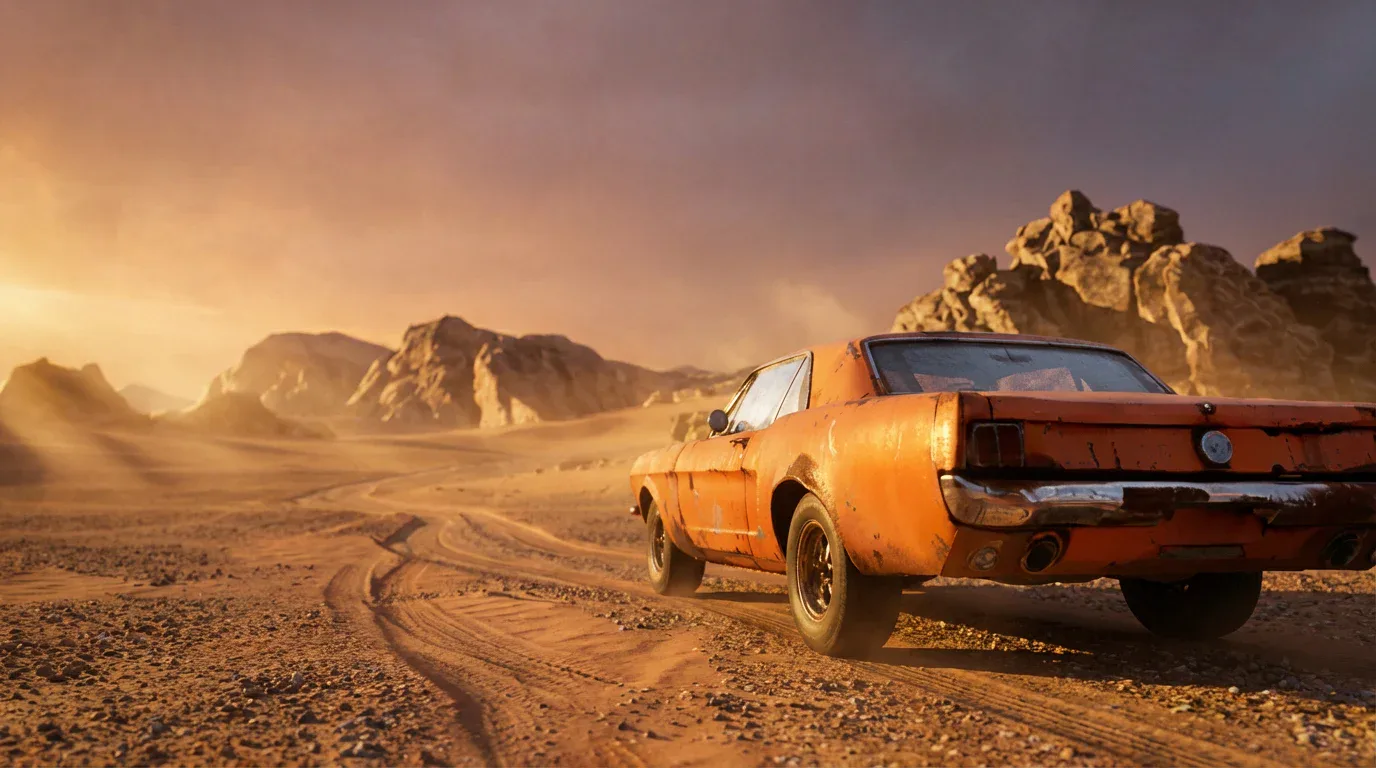
Place anything inside it. Shoot it from anywhere.
A world is a set you can dress. Bring in 3D objects, block the shot, then capture it.
- Place 3D objectsConnect a 3D block and set it into the world with position, rotation and scale.
- Capture up to 4KShoot frames at 1K, 2K or 4K from anywhere you can move.
- Combine worldsConnect Worlds blocks to bring several environments into one scene.
- Keep the work movingCaptures come back as image blocks, ready to edit, upscale or animate.
Common questions. Straight answers.
A navigable 3D scene made from a single image. You explore it in fullscreen, move the camera anywhere, place objects inside it and capture frames back to the canvas.
Yes. Connect a 3D block to the Worlds block and place the object with position, rotation and scale controls.
Captures come back to the canvas as image blocks at 1K, 2K or 4K, so you can edit, upscale or animate them like any other image.
Yes. Connect Worlds blocks together to combine environments into one scene.