Built for Filmmakers

Develop the look, generate shots with the best video models and cut them on a timeline, in one project with your crew.

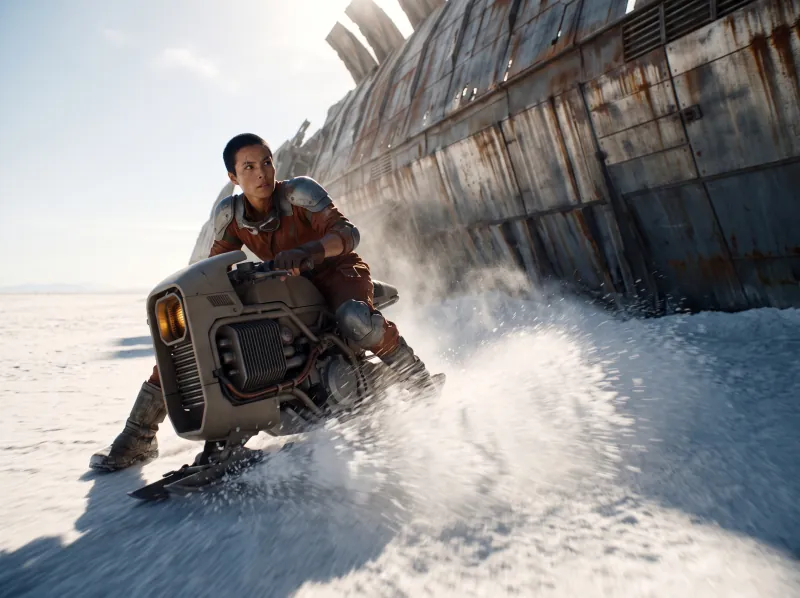
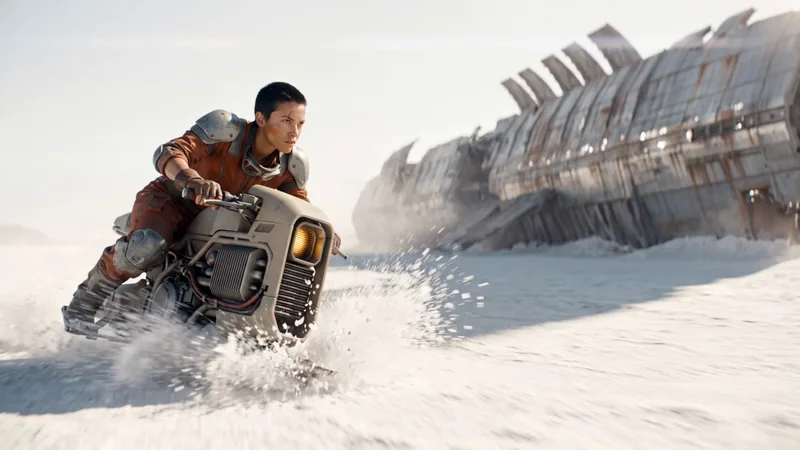
A pilot on a hoverbike racing across a salt flat past a giant buried ship
  • 01

    Shots that match

    Characters, locations and the look stay attached as references, so shot twelve still matches shot one.

  • 02

    Generate into the edit

    Leave a clip empty with a length and a prompt, give it a start and end frame, and fill it in place.

  • 03

    Know the cost per sequence

    Each shot shows its price before it runs, and each production can have its own budget.

Look development

Find the film's look before you make a shot.

Build characters, locations and a style frame from your references, and compare looks across models on the same scene.

  • Character and location sheets
  • One look carried across every shot
  • Compare models on the same frame
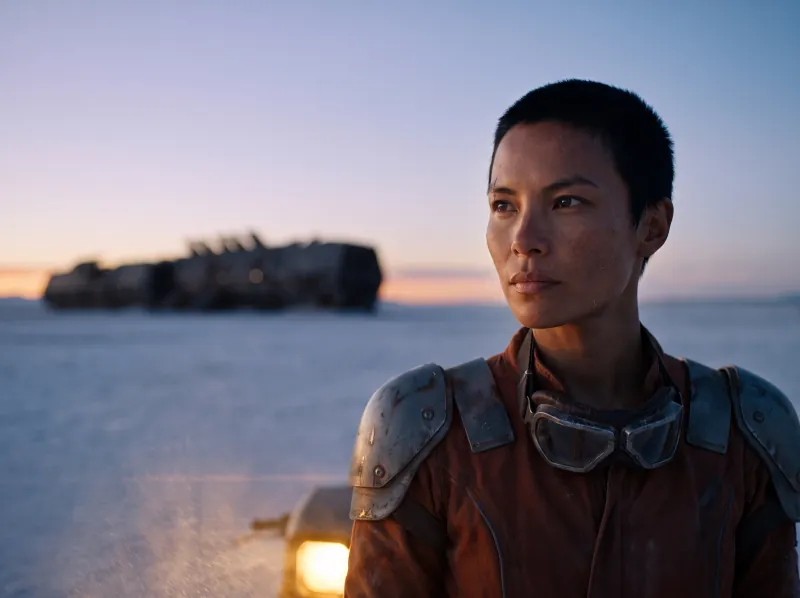
The pilot in goggles at twilight, a buried ship on the salt flat behind her
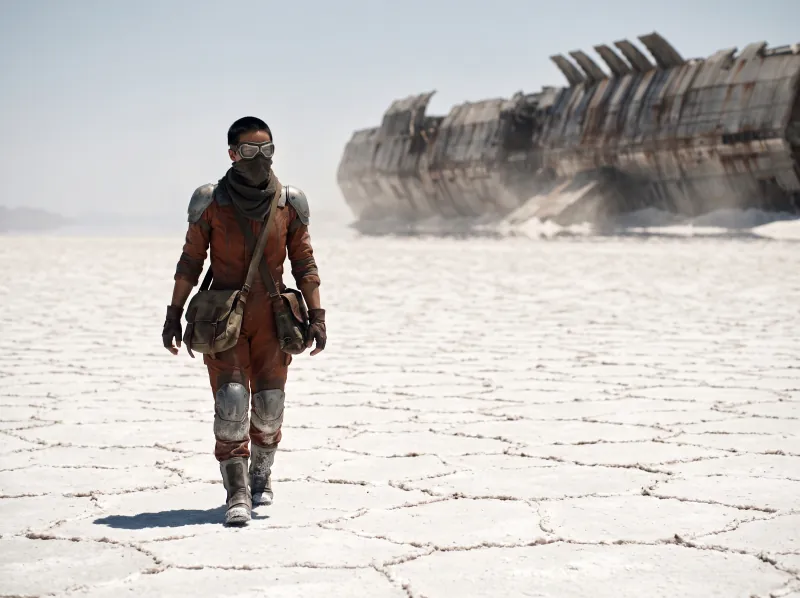
The pilot walking across the white salt flat at noon, the ship wreck behind her
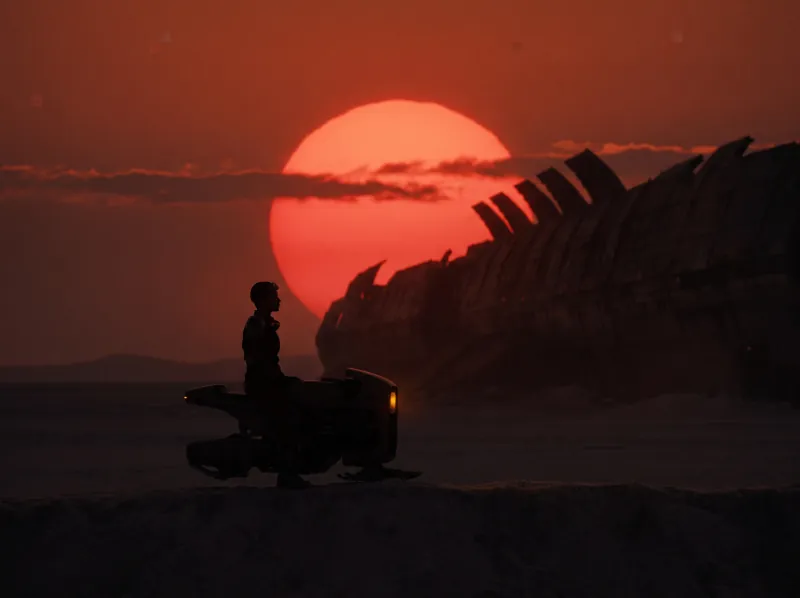
The pilot and her hoverbike in silhouette under a red sun
Shots and sequences

Shots that cut together.

Generate shots from start and end frames, frame them inside a 3D world with real lenses, and keep the continuity visible.

  • Start and end frames for every shot
  • Real focal lengths inside a 3D world
  • Every take kept as a version
The pilot sliding her hoverbike under the hull of the buried ship
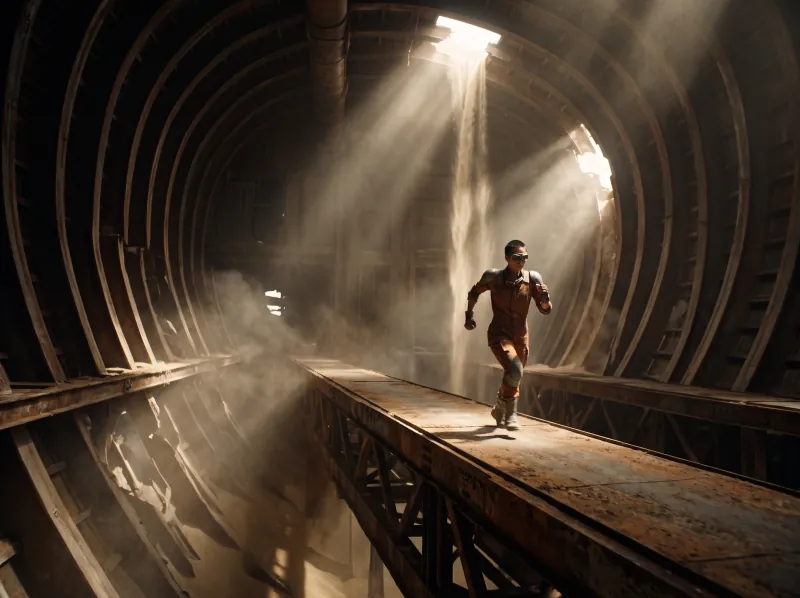
The pilot sprinting down a catwalk inside the ship
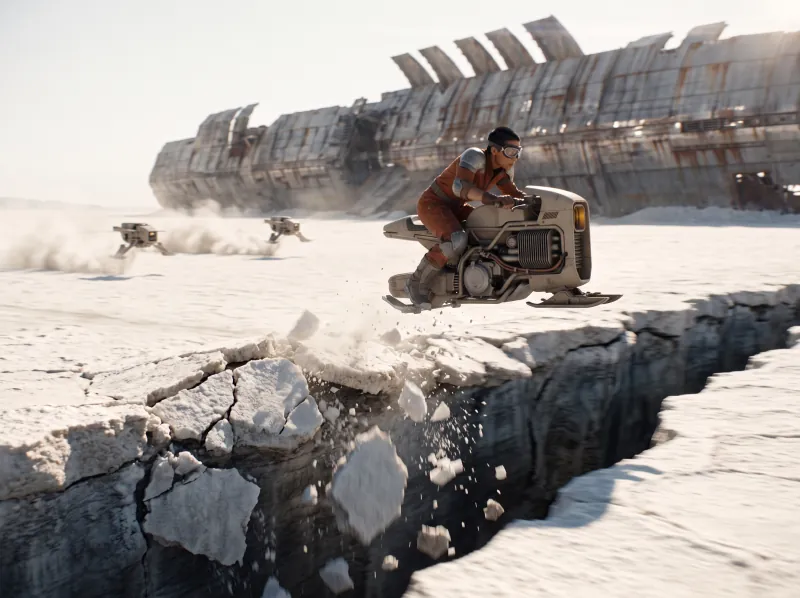
The hoverbike airborne over a fissure in the salt
The edit

The first cut is just the start.

Lay the shots on a timeline with sound and titles, generate the missing clip in its slot, and render the film when it is right.

  • Tracks for video, image, audio and text
  • Empty clips you fill by prompt
  • Renders while you keep working
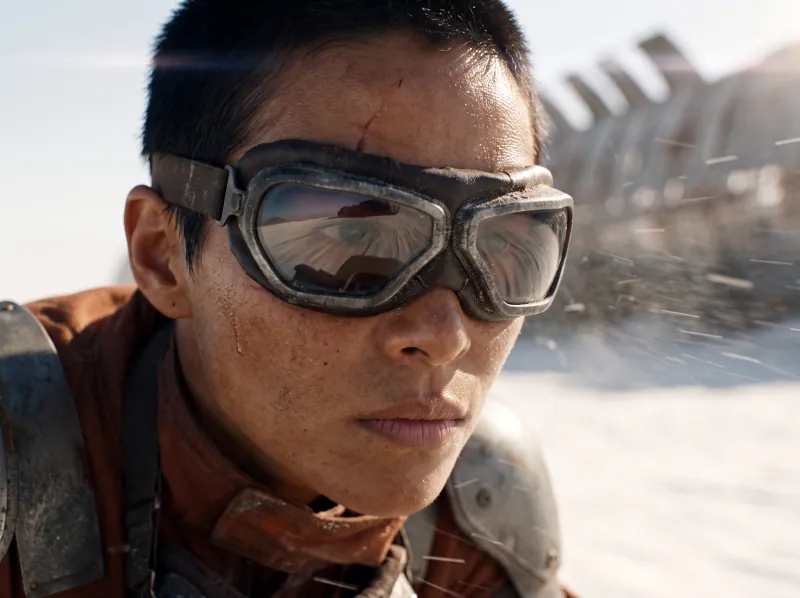
A close-up of the pilot in goggles, salt dust on her face
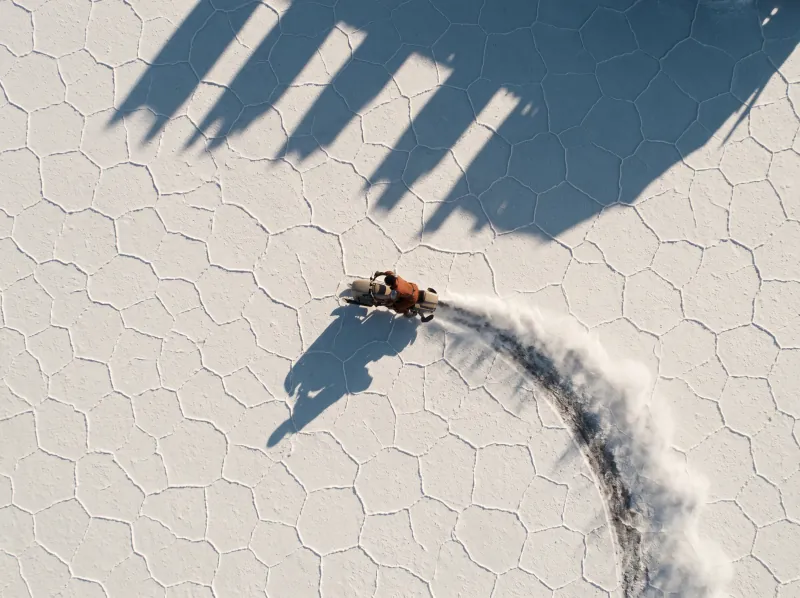
The hoverbike trail across the salt flat, seen from above
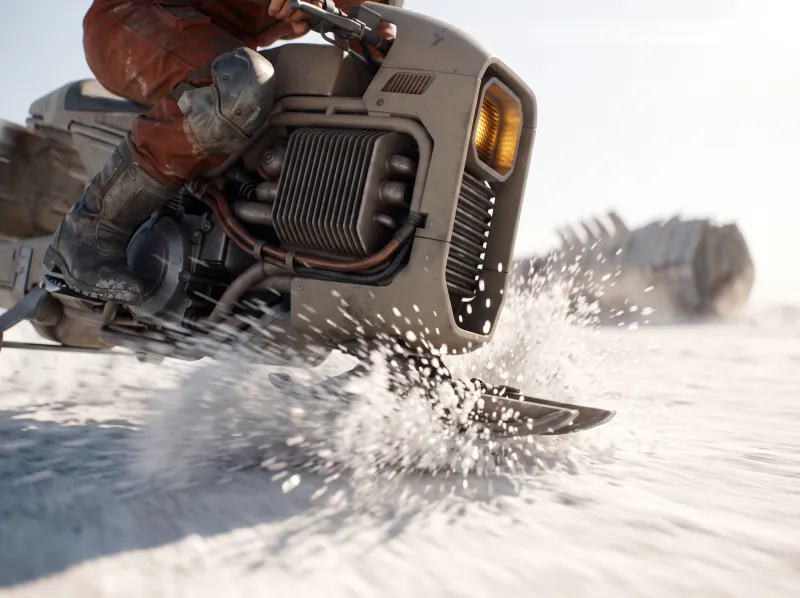
The hoverbike skidding past at ground level, salt spraying
The workflow

Script to screen, in one project.

Every shot remembers where it came from, so a change in the look reaches the whole film.

Questions

Common questions.Straight answers.

  • You do. Under our terms you keep ownership of everything you create, upload or generate, subject to each AI model provider's terms, and we do not train models on your work.

  • Every run shows its price in dollars before it runs, so you know the cost per shot and per sequence up front. Each project can have its own budget with alerts and a hard stop. Paid plans start at $29 a month, and the plan price becomes your balance for runs.

  • Images take seconds and most video takes a few minutes; every model shows its typical time before you run it. Because the workflow stays in the project, the next round of films starts from it instead of from zero.

  • The current video models from the major labs, side by side, each with its price per run. Swap the model on a shot and its connections stay.

  • Yes. Everyone works live in the same project, leaves comments on shots and sees the same library of takes.

Make the film where you imagine it.

Look, shots and edit in one project, with the cost of every shot known before it runs.

  • ByteDance
  • Google
  • Black Forest Labs
  • Kling
  • OpenAI
  • MiniMax
  • World Labs
  • Alibaba
  • ElevenLabs
  • Lightricks
  • Meshy
  • Microsoft
  • Stability AI
  • Character.AI
  • Deemos
  • Sonilo
  • Tencent
  • Tripo

Cookie preferences

We use cookies to enhance your experience. By continuing, you accept our Privacy Policy.