AI Product Photography With a Model: A Tool Guide
Explore AI product photography with a model: assess product fidelity, scene controls, source images, export costs, commercial rights and privacy.
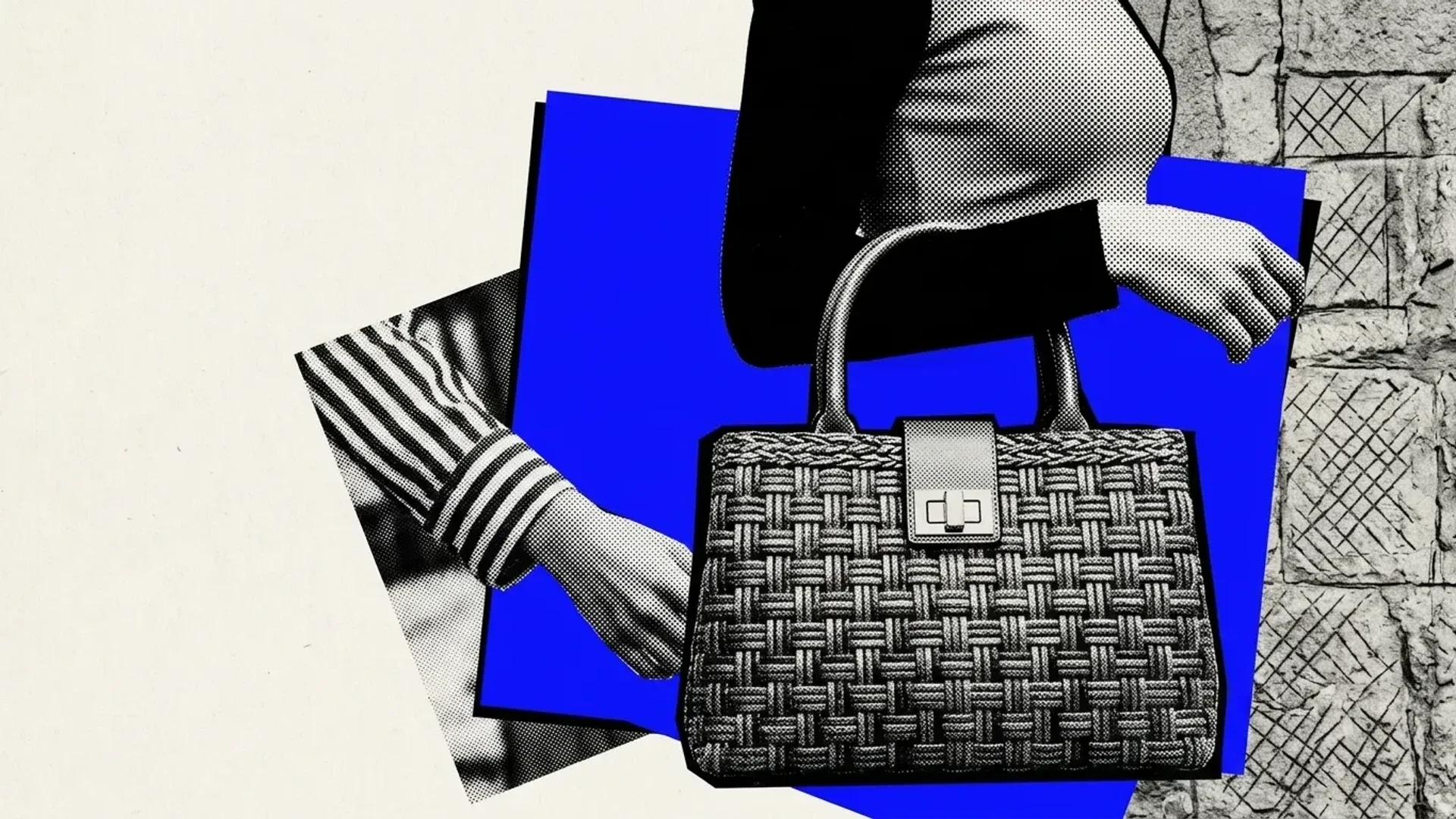
For AI product model photography, choose a workflow that can depict a person wearing or holding your product. Test it with a representative product image and a specific brief, then assess product accuracy, creative controls, trial costs and usable exports.
Contents
- What matters most
- AI product photography with a model or a scene?
- Check product fidelity and scene control
- Check trial costs and usable exports
- Turn your brief into an acceptance test
- Questions
What matters most
Our Product Integration workflow places a product into a supplied scene.
- Check export access before trialing a workflow: our Free plan includes a starting allowance, while media downloads require a paid plan.
AI product photography with a model or a scene?
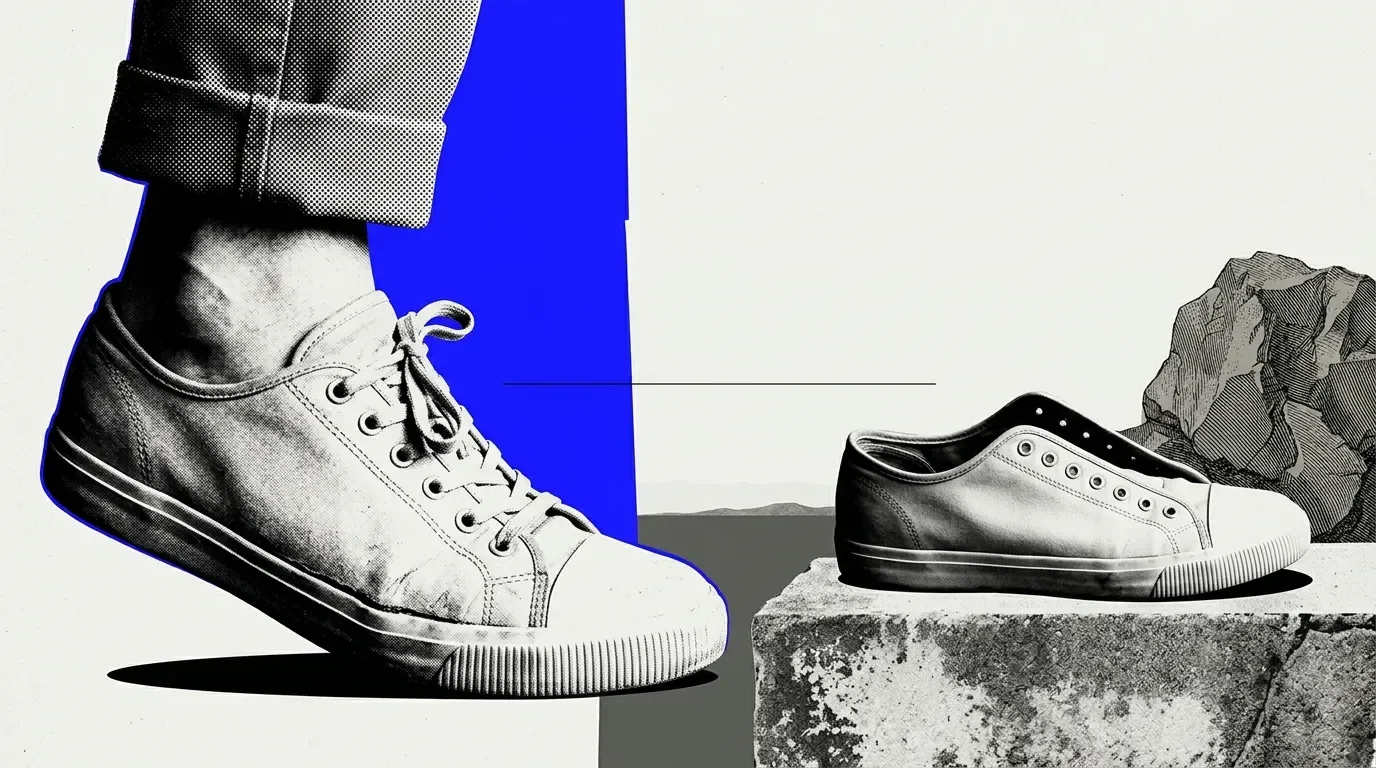
Start by deciding whether your brief needs a product in a new setting or a person wearing it. These tasks require different capabilities. A scene composite can help assess a lifestyle concept, but a person appearing beside a product does not demonstrate how that item fits.
Our Product Integration workflow template takes a product image, a supplied scene image and optional instructions. It produces a single composed image placing the product into that scene. Use scene composition to assess placement, not apparel fit accuracy or human-model realism. For an on-model brief, evaluate human-model selection and customization separately.
For a setting-focused brief, prepare clear product references and a scene image with a suitable viewpoint and space for the item. For a wearing-focused brief, confirm that the workflow can depict the garment on a person and offers any model-selection controls your brief needs. Treat even a convincing composite as a visual proposal, not proof of garment fit.
Check product fidelity and scene control
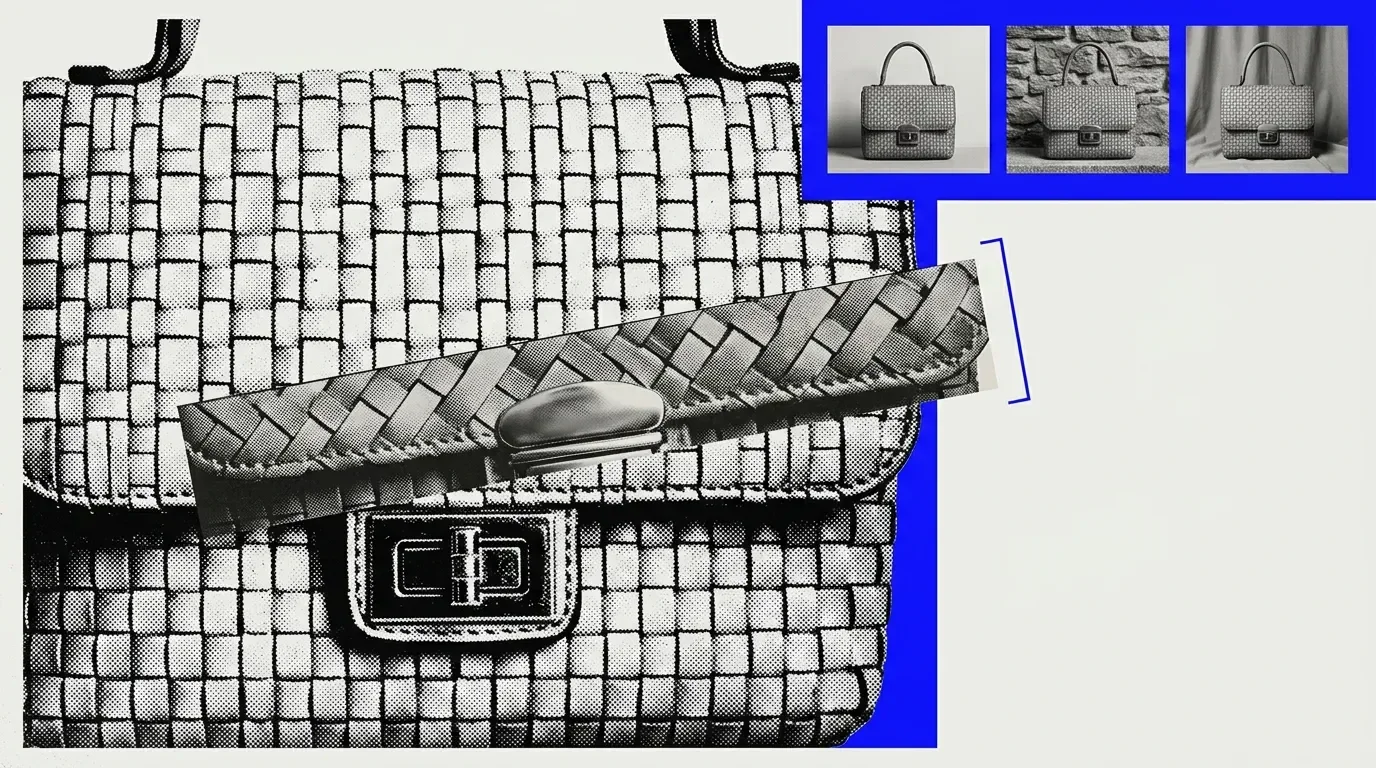
Test the same source item across candidate workflows, keeping reference images and the intended placement consistent. Our Product Integration template accepts lighting, perspective and styling direction through additional instructions and the scene input. Use those controls to request a setting that leaves important product details visible, then judge the result against the original rather than its visual appeal alone.
Our Shopify Product Multiview workflow generates hero, lifestyle and multi-view product images. Inspect lettering, pattern placement, seams, silhouette and material appearance in each result. Across views, check whether those details remain consistent: an attractive hero image cannot compensate for another angle that changes the product’s shape or surface.
For on-model candidates, compare hands, accessories, garment edges and drape with clear references. Check whether contact points obscure or distort the item.
Choose staging according to the image’s job. Atmospheric lighting may suit a campaign concept, while a sales image needs enough clarity to judge the product. Reject compositions that conceal or alter details a buyer needs to evaluate.
Check trial costs and usable exports
Our Free plan is $0 per month, with $1 to start and no card required. Every generation run displays its price before it starts.[owner-facts] Track trial spending against your production budget.
Media downloads and video export are available with paid plans. Confirm download access before relying on a trial for deliverable assets. A preview can help you assess composition, but your acceptance test should include the file you intend to use.
Design supports frames up to 8,192 pixels on the longest side and offers four export formats. Before adopting a workflow, check your required file type and dimensions, and inspect the exported image at its intended display size for softened lettering, altered textures or lost detail.
Turn your brief into an acceptance test
Write a short acceptance brief naming the intended image placement, the product details that must remain unchanged and the person responsible for approval. Include reference images and clear rejection criteria, such as altered lettering or seams.
If your brief calls for a product in a new setting, explore image generation and connected creative workflows in Raelume.
Questions
Does ownership of a generated image automatically permit commercial use?
Our terms say you retain ownership of content you create, upload or generate, subject to our terms and the AI providers’ terms for AI output. Commercial resale or redistribution of generated outputs requires proper licensing. Ownership alone does not settle those permissions.
Are uploaded product images used for training or sent to other providers?
We do not use your content, prompts or generated outputs to train AI models, but prompts and input images are shared with third-party generation providers to produce requested content. Those providers may temporarily cache requests for operational purposes, typically for 30 days or less.