Built for Architecture

Renders, option studies, boards and walkthrough films from your drawings and models, in one project.

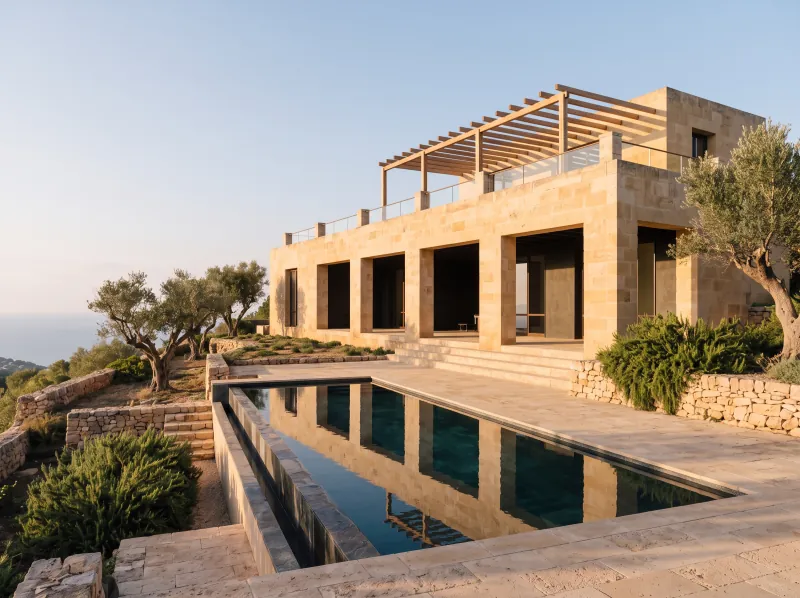
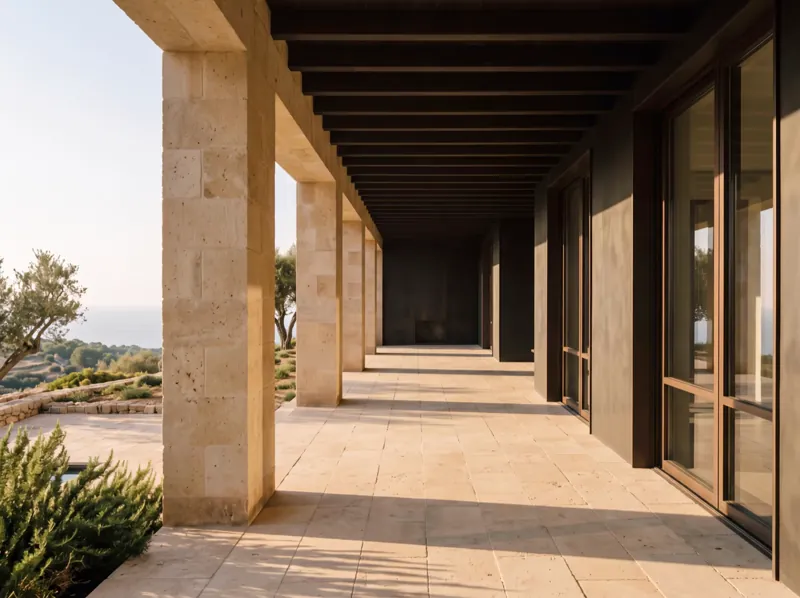
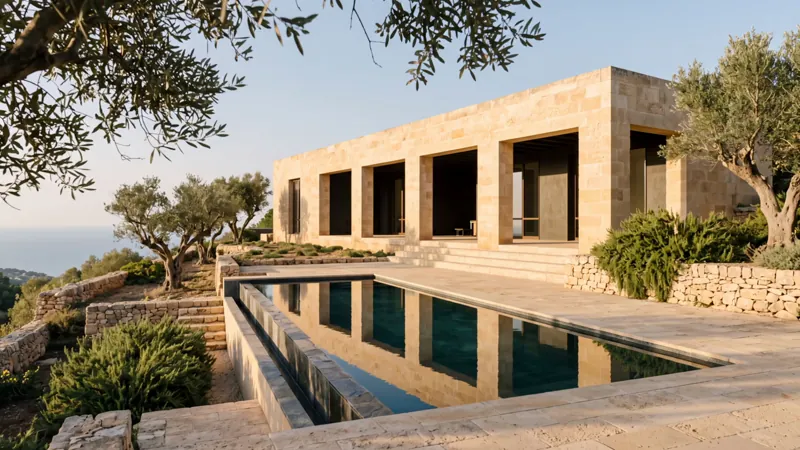
A stone house over a long pool at golden hour, olive trees around it
  • 01

    Render before the model is done

    Concept renders from sketches, plans, massing models and early exports.

  • 02

    A price per view and option

    Every render shows its price first, so each option study is quoted before it runs.

  • 03

    Walkthroughs with real lenses

    Turn a key view into a 3D world, set the lens and capture or animate the walk.

Concept renders

See the building before every detail is modeled.

Start from a sketch, a massing model or a SketchUp export, and explore facades, materials and atmosphere per view.

  • Massing, site photos and references attached
  • Facade and material directions per view
  • Consistent exterior and interior views
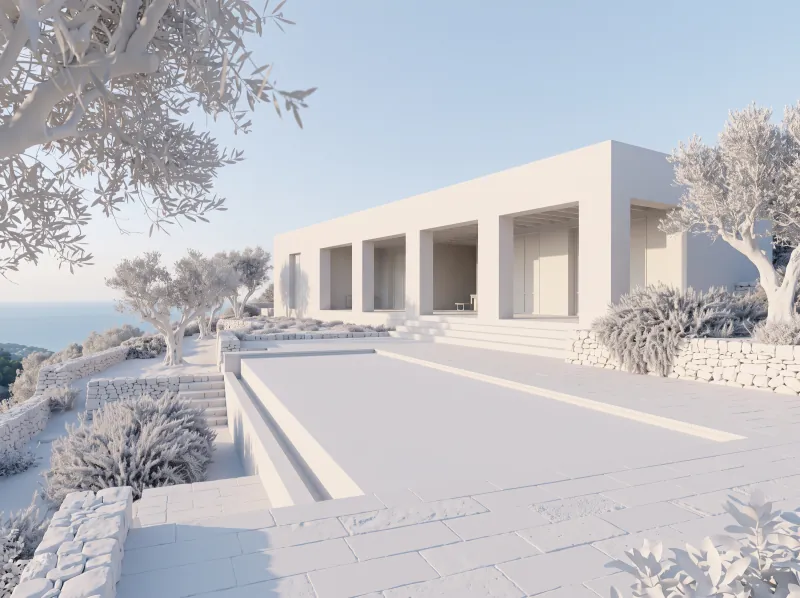
A white clay render of the house and its pool
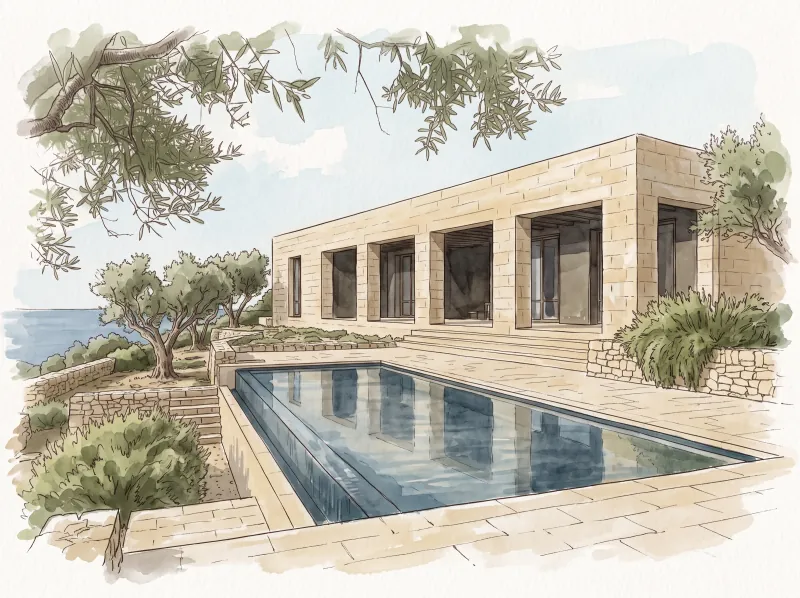
An ink and watercolour concept of the house above the sea
An alternative massing: stepped stone volumes with a pergola
Options and boards

Change the material, not the whole scene.

Run material, light and season options on one approved view, then lay them out as boards in Design.

  • Options as batches
  • Camera and composition fixed
  • Boards next to the renders
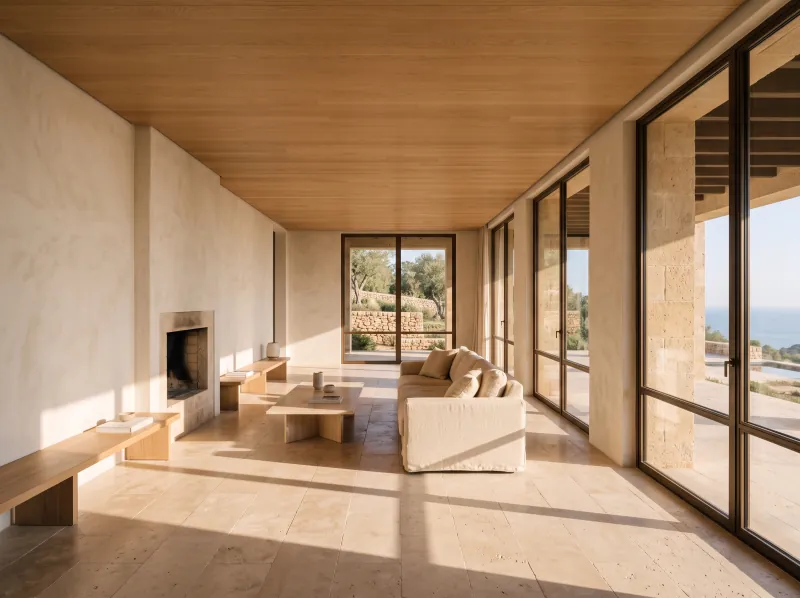
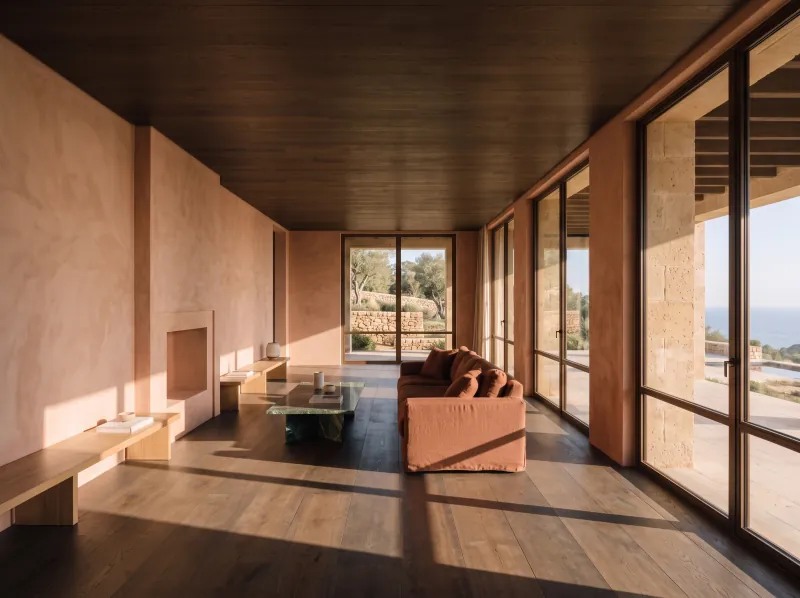
The living room in travertine and pale oak
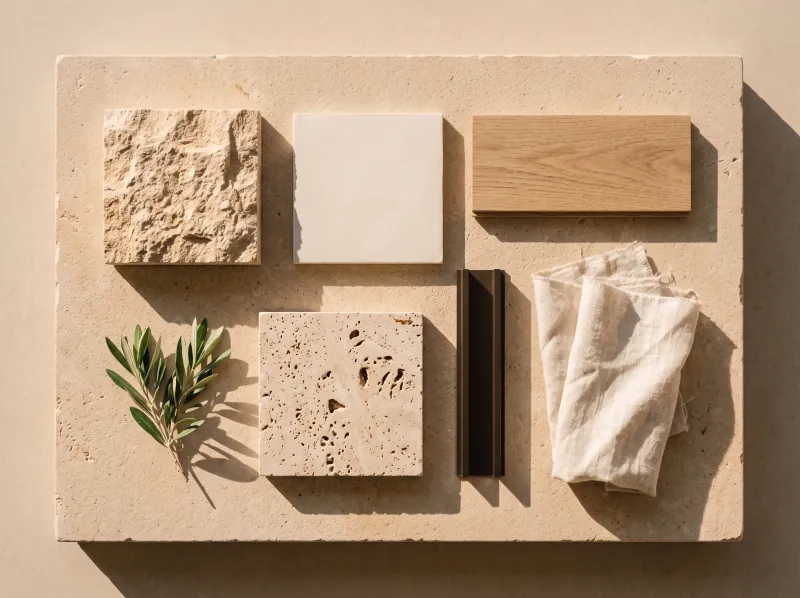
A material board of limestone, plaster, oak, travertine and bronze
The same living room in smoked oak and terracotta
Walkthroughs

Give the client the walk, not just the render.

Animate approved views into camera moves, explore them as 3D worlds, and cut the walkthrough film in Cinema Studio.

  • Camera moves from approved renders
  • Explorable 3D worlds from key views
  • A walkthrough film on the timeline
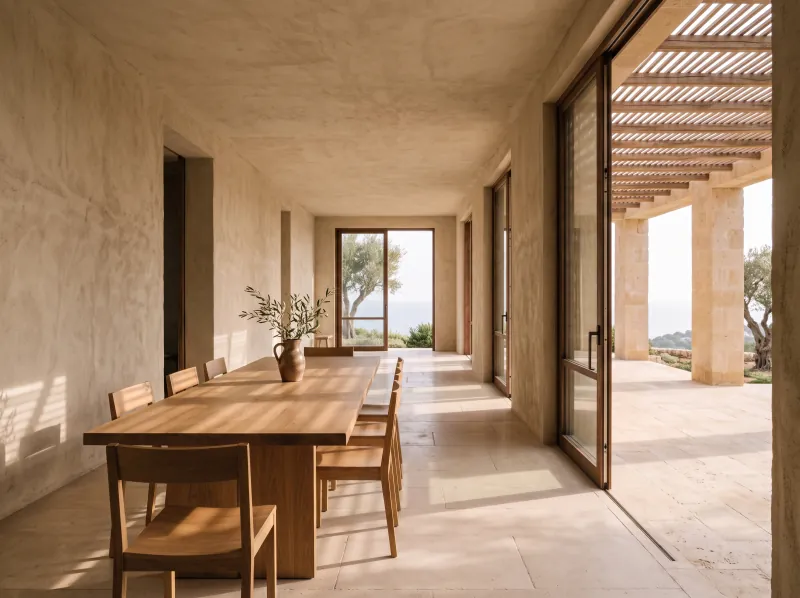
A dining room in the shade of the pergola
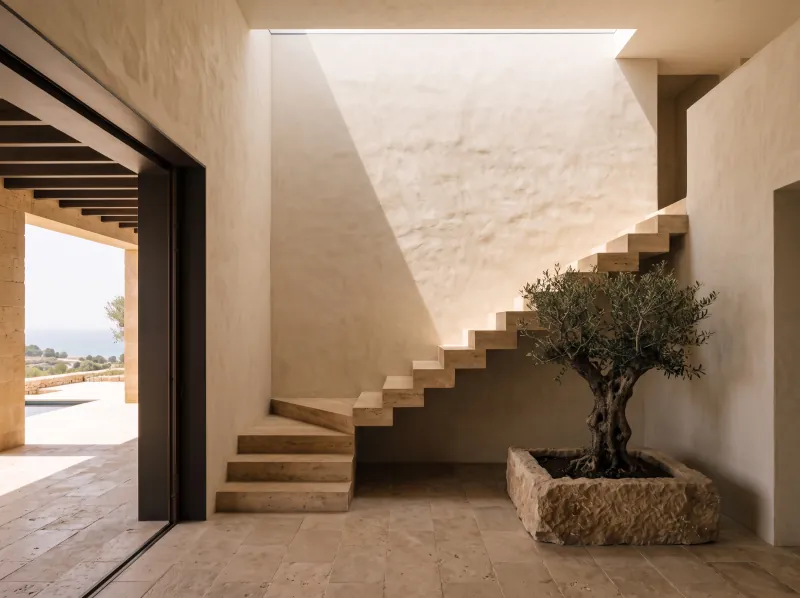
A travertine stair under a skylight beside an olive tree
The workflow

Every revision, the same loop.

The design changes; the visualization reruns from it.

Questions

Common questions.Straight answers.

  • You do. Under our terms you keep ownership of everything you create, upload or generate, subject to each AI model provider's terms, and we do not train models on your work.

  • Every run shows its price in dollars before it runs, so you know the cost per view and per option up front. Each project can have its own budget with alerts and a hard stop. Paid plans start at $29 a month, and the plan price becomes your balance for runs.

  • Images take seconds and most video takes a few minutes; every model shows its typical time before you run it. Because the workflow stays in the project, the next round of renders starts from it instead of from zero.

  • It sits beside it: concept renders, options and presentation content here, your final photoreal pipeline where you want it.

The design keeps changing. The visualization keeps up.

Renders, options, boards and walkthroughs in one project, priced per view.

  • ByteDance
  • Google
  • Black Forest Labs
  • Kling
  • OpenAI
  • MiniMax
  • World Labs
  • Alibaba
  • ElevenLabs
  • Lightricks
  • Meshy
  • Microsoft
  • Stability AI
  • Character.AI
  • Deemos
  • Sonilo
  • Tencent
  • Tripo

Cookie preferences

We use cookies to enhance your experience. By continuing, you accept our Privacy Policy.